
Homelab Re-ramped
Published at 2026-07-22
This re-ramped homelab runs on a single all-in-one Unraid server with separate networks for trusted LAN access and self-hosted application workloads.
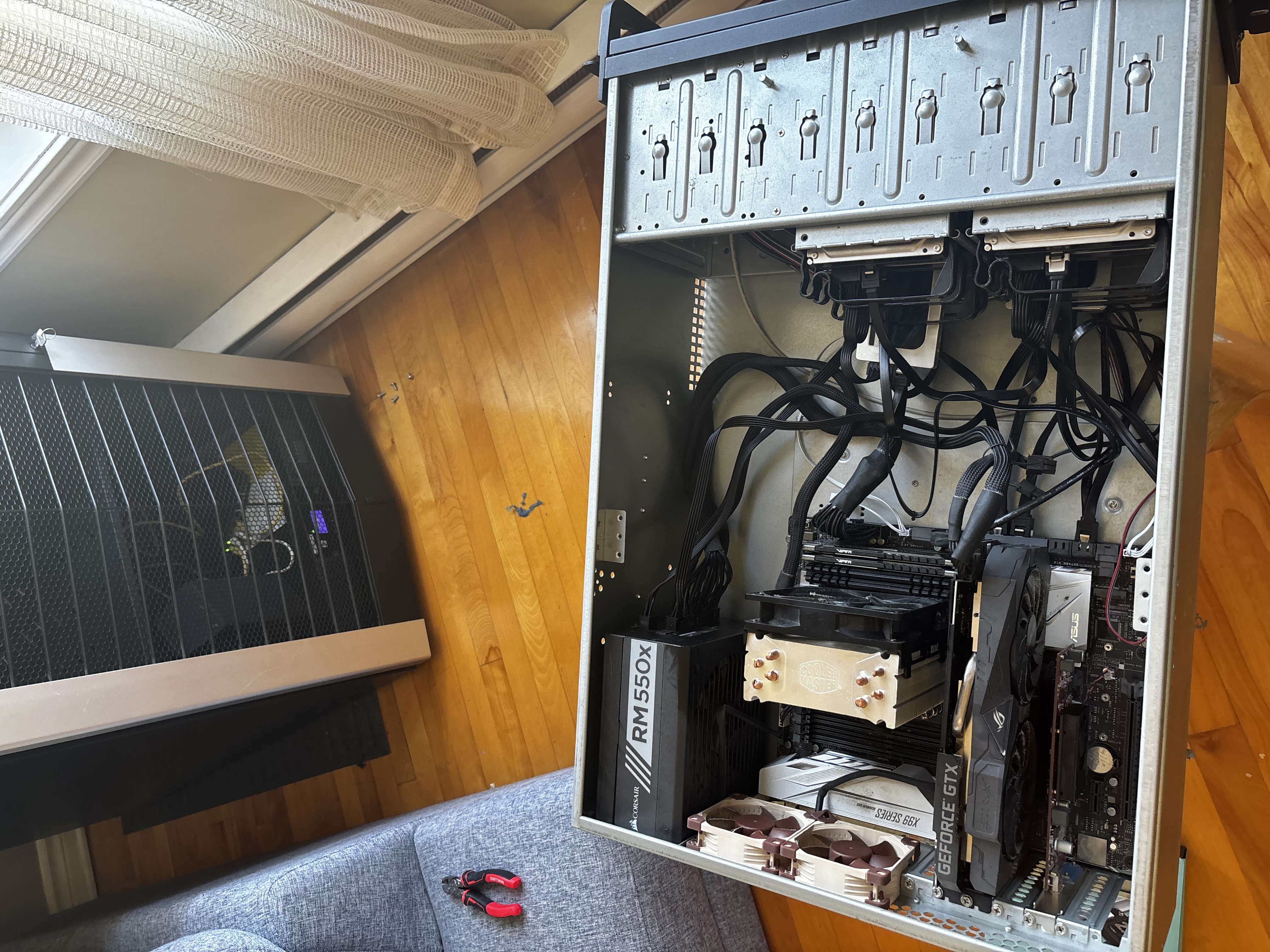
Core Platform
- Host OS: Unraid
- Hardware role: all-in-one server
- Router: MikroTik RB5009UG+S+
- UPS integration: NUT for Unraid connected to an Eaton UPS
Network Layout
The server uses two physical NICs:
| Interface | Network | Purpose |
|---|---|---|
eth0 |
192.168.1.0/24 |
Trusted home LAN, management, SMB, normal administration |
eth1 |
10.10.10.0/24 |
Self-hosted apps and isolated VM/application network |
Network Policy
192.168.1.0/24can initiate connections to10.10.10.0/24.10.10.10.0/24cannot initiate connections to192.168.1.0/24.- Return traffic is allowed for connections started from
192.168.1.0/24. - Traffic forwarded to
10.10.10.2is explicitly dropped to protect the Unraid management portal on the application network.
High-Level Topology
                    Internet
                       |
                 MikroTik Router
                       |
        +--------------+--------------+
        |                             |
  192.168.1.0/24                10.10.10.0/24
   Trusted LAN                  App / VM Network
        |                             |
        |                             |
    Unraid eth0                   Unraid eth1
        |                             |
        |                     Public-facing VM(s)
        |                     GitHub runner VM
        |
  Nginx Proxy Manager
     192.168.1.4
DNS and HTTPS
- The MikroTik router is the local DNS server.
- Local DNS records point internal service hostnames to the Nginx Proxy Manager container running on Unraid.
- Nginx Proxy Manager currently uses
192.168.1.4and handles HTTPS for LAN access. - Docker containers that must be reverse proxied from Unraid require
Host access to custom networksto be enabled; otherwise Nginx Proxy Manager cannot reliably reach the Unraid host/backend services.
Shares and Storage Roles
| Share | Storage | Purpose |
|---|---|---|
appdata |
Cache SSD | Active container and application data |
appdata-backup |
Main array | Backup target for appdata and Docker backups |
domains |
Cache | VM files and virtual disks |
smb1 |
Main array | User data and important documents |
vm-backups |
Main array | Full VM backups created by script |
Backup Strategy
Appdata Backup
- Used to back up
appdatafrom cache SSD storage to the main array. - Backup destination is the
appdata-backupshare. - Also backs up Docker containers as part of the application backup workflow.
VM Full Backup Script
- Script location:
script/vm_backup.sh - Trigger method: User Scripts plugin on Unraid
- Backup style: full VM backup
- Source:
domainsshare - Destination:
vm-backupsshare
Current script behavior:
- exports each VM XML definition
- attempts a clean shutdown if the VM is running
- copies the full VM folder, including the vdisk
- restarts the VM if it was running before backup
- removes backup folders older than 30 days
Rclone Offsite Backup
- Script location:
script/rclone_backup.sh - Backup target: Google Drive
- Purpose: offsite backup for important documents stored on the main array
Current script path mapping:
- source:
/mnt/user/smb1/Documents/PersonalFiles - destination:
google-drive:Backups/PersonalFiles
Remote Access and External Connectivity
Three different remote access or external access paths are in use:
Tailscale
- Used for private remote access into the homelab.
AmneziaWG VM
- Dedicated VM used for VPN and proxy access from outside the LAN.
- Profiles in use:
amneziawgxray
Additional VMs on 10.10.10.0/24
- One VM runs GitHub Actions runners.
- One VM hosts public-facing applications.
- Both are placed on the isolated application network.
Firewall Design Summary
The MikroTik firewall is used to keep the application network reachable from the trusted LAN without allowing the application network to laterally move back into the trusted network.
Forwarding Policy
- Allow
192.168.1.0/24to access10.10.10.0/24 - Allow
established,relatedreturn traffic - Drop
10.10.10.0/24to192.168.1.0/24 - Drop WAN DNS requests to the router
- Drop traffic forwarded to
10.10.10.2
NAT Policy
- Masquerade outbound traffic to the WAN
- Port forwards are configured for the VPN/proxy VM on
192.168.1.3
Current WAN destination NAT mappings from the 2026-07-22 export:
- TCP
2222->192.168.1.3:22 - UDP
31408->192.168.1.3:31408 - TCP
443->192.168.1.3:443
Operational Notes
- Keep public-facing workloads and less-trusted application services on
10.10.10.0/24. - Keep management workflows, SMB access, and trusted administration on
192.168.1.0/24. - If Nginx Proxy Manager or Docker networking is changed, re-check
Host access to custom networksbefore troubleshooting HTTPS. - If the VPN/proxy VM IP changes, update both MikroTik NAT rules and any related DNS or client documentation.